

 Sign in
 Sign up


Why Is My Drone Taking So Long to Lock GPS Satellites?
Why Is My Drone Taking So Long to Lock GPS Satellites?
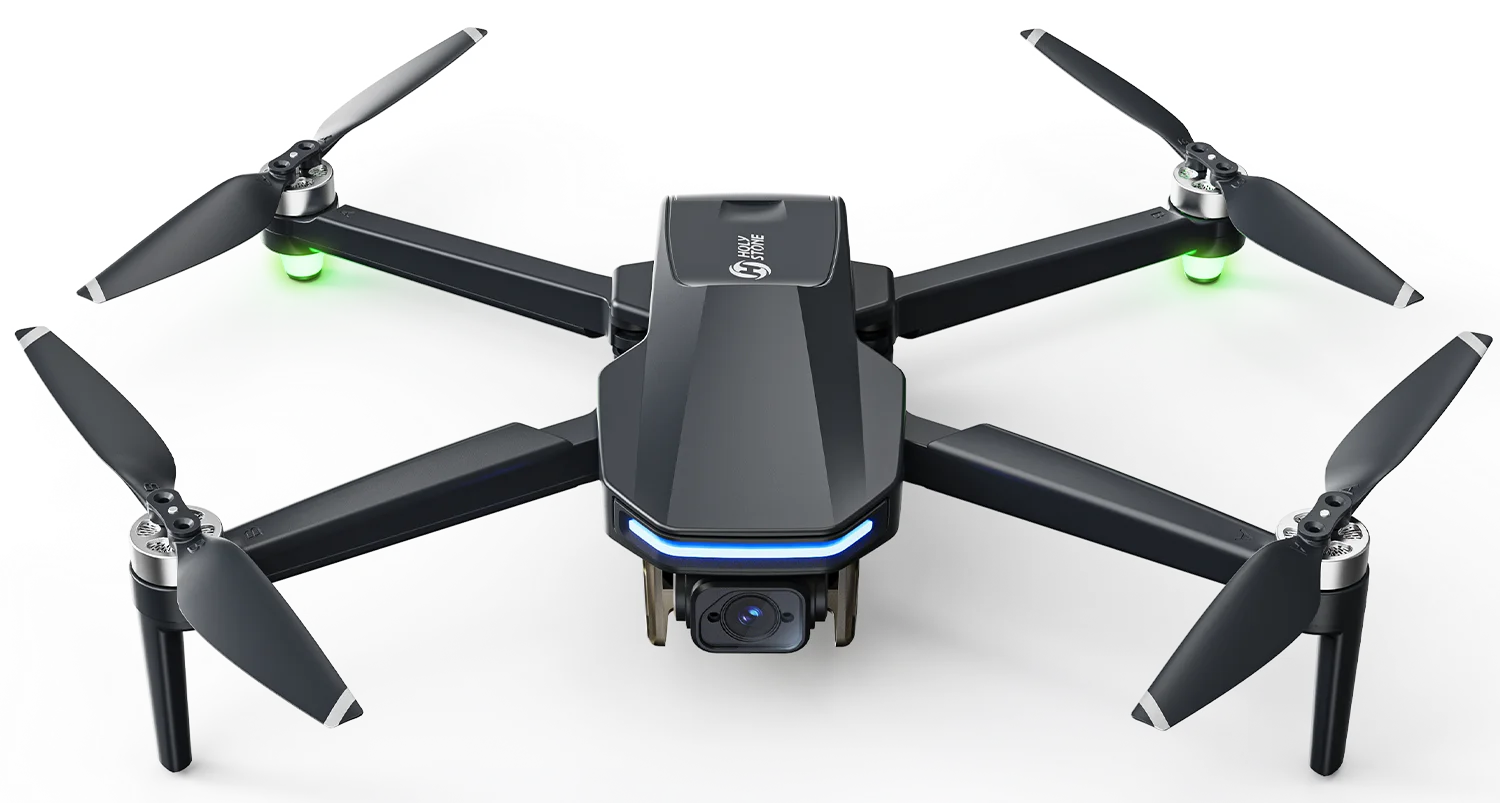
For GPS drones such as the Holy Stone HS600D, satellite locking is an important step before outdoor flight. A stable GPS connection helps the drone hold its position, record the home point, and use GPS-assisted features such as Return to Home. If GPS lock takes much longer than expected, this guide can help you narrow down the possible causes step by step.
How Long Should GPS Lock Normally Take?
In a suitable open outdoor area, the HS600D usually completes GPS satellite locking in about 2 minutes. If the drone has been moved to a new location or stored for a long time, it may take slightly longer for the system to initialize.
However, if GPS lock repeatedly takes 10–15 minutes, it is much longer than expected. In most cases, the cause is related to setup, sky visibility, signal interference, takeoff surface, signal quality, or location conditions.
Slow GPS lock is usually not caused by one single factor. The checklist below follows a practical order: first check the drone setup, then check the surrounding environment, and finally decide whether support review is needed.
Check GPS Mode and Initial Setup
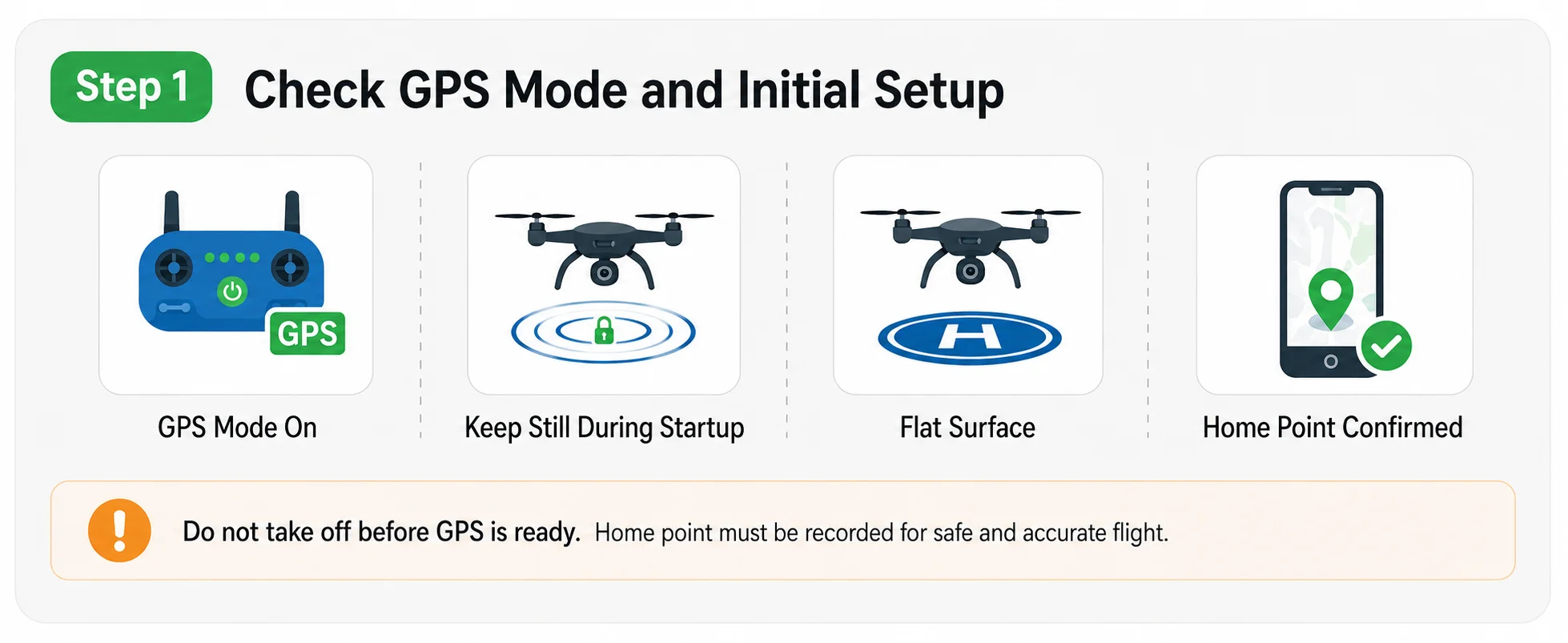
Confirm GPS mode, keep the drone still during startup, place it on a flat surface, and wait for home point confirmation.
Before checking the environment, first make sure the drone is set up correctly for GPS-assisted flight.
Confirm that GPS mode is activated.
Place the drone on a flat surface and avoid moving it during initialization.
Wait until GPS status is stable and the home point is recorded before takeoff.
During initialization, the drone is preparing its positioning system and checking sensor status. Moving the drone repeatedly during this process may make GPS lock slower or less stable.
Do not take off before GPS is ready. If the home point has not been recorded, GPS-assisted flight and Return to Home accuracy may be affected.
Make Sure the Drone Has a Clear View of the Sky
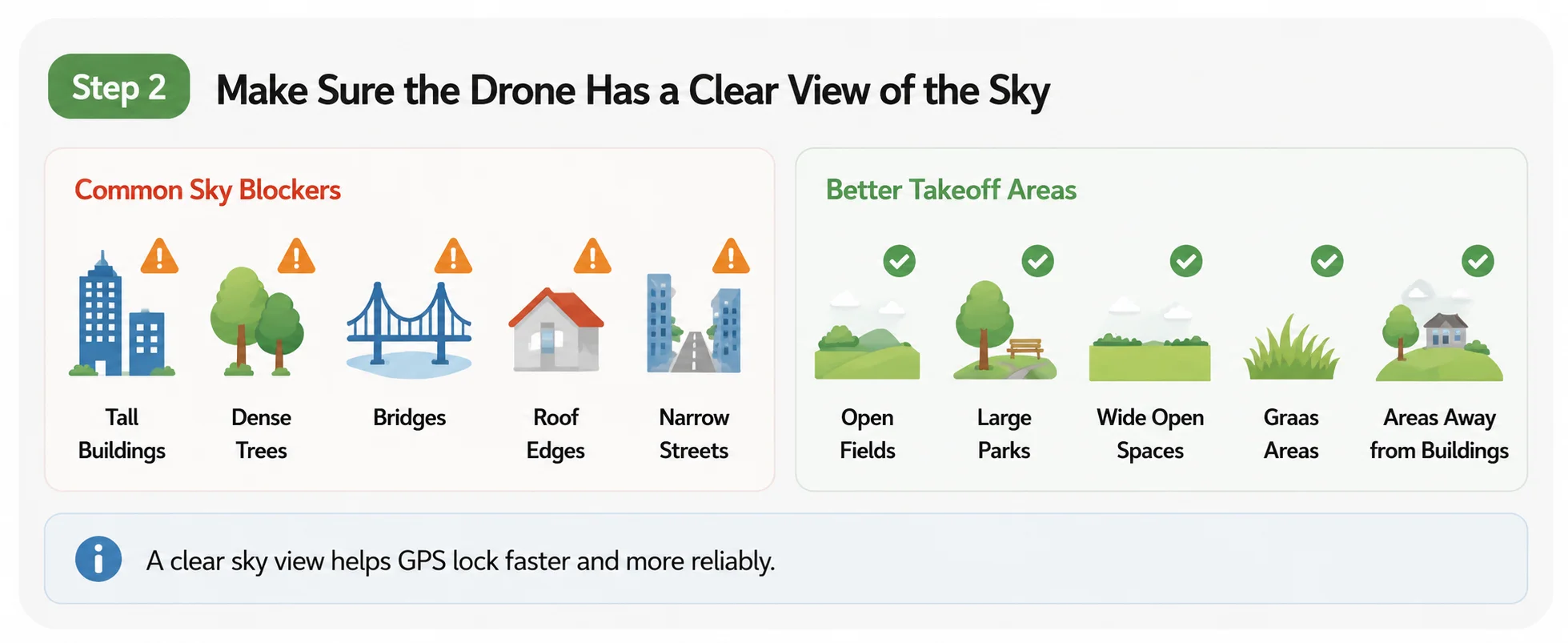
GPS needs a clear view of the sky. Avoid blocked areas and choose open spaces whenever possible.
GPS signals come from satellites spread across the sky. If the drone is close to buildings, walls, balconies, tall trees, bridges, cliffs, or narrow streets, part of the sky may be blocked. This can make GPS lock slower or less stable.
For best results, start the drone in a wide open outdoor area, such as a park, open field, or large empty space. Avoid starting under trees, beside buildings, near roof edges, or in areas surrounded by tall structures.
Common Sky Blockers
Tall buildings
Balconies and walls
Dense trees
Roof edges
Bridges or cliffs
Narrow streets
Better Takeoff Areas
Open fields
Large parks
Wide empty spaces
Open grass areas
Areas away from buildings
Locations with a clear sky view
If GPS reception seems weak at ground level, do not take off before GPS is ready. Instead, move the drone to a more open takeoff point and wait for stable GPS lock and home point confirmation.
Avoid Metal Objects, Reinforced Concrete, and Strong Interference
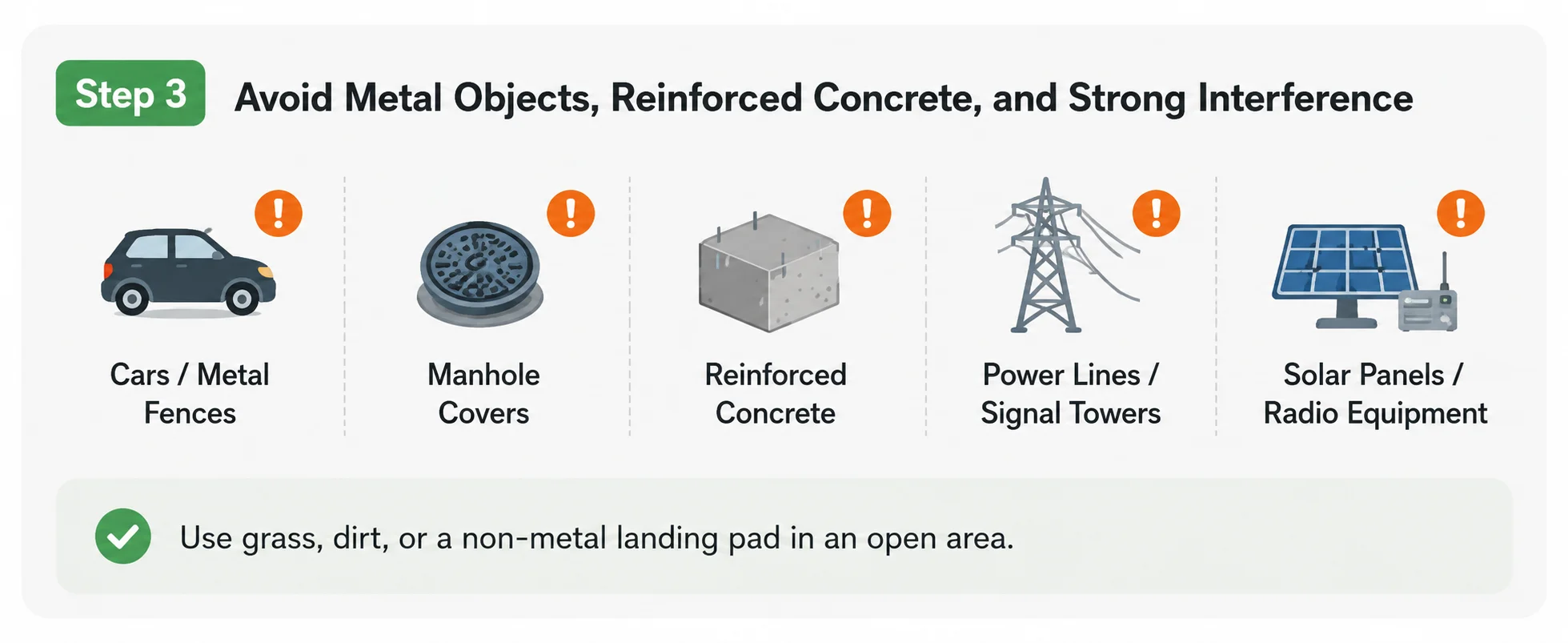
Hidden metal and strong interference sources can affect compass stability and GPS-related initialization.
Even if the sky looks open, the takeoff area may still affect GPS-related initialization and compass stability. Metal objects, reinforced concrete, cars, manhole covers, power lines, signal towers, and communication equipment can interfere with the drone’s positioning system.
Avoid starting the drone near:
Cars or metal fences
Manhole covers or metal platforms
Reinforced concrete surfaces
Power lines or signal towers
Large speakers, solar panels, or strong radio equipment
Parking lots with hidden metal structures
If possible, use grass, dirt, or a non-metal landing pad in an open outdoor area. This helps reduce the risk of magnetic interference during startup and GPS-related initialization.
Some interference sources are not obvious. A concrete surface may contain steel reinforcement, and an open parking lot may still have nearby cars, underground metal, or strong electrical equipment.
Do Not Rely Only on the Satellite Number
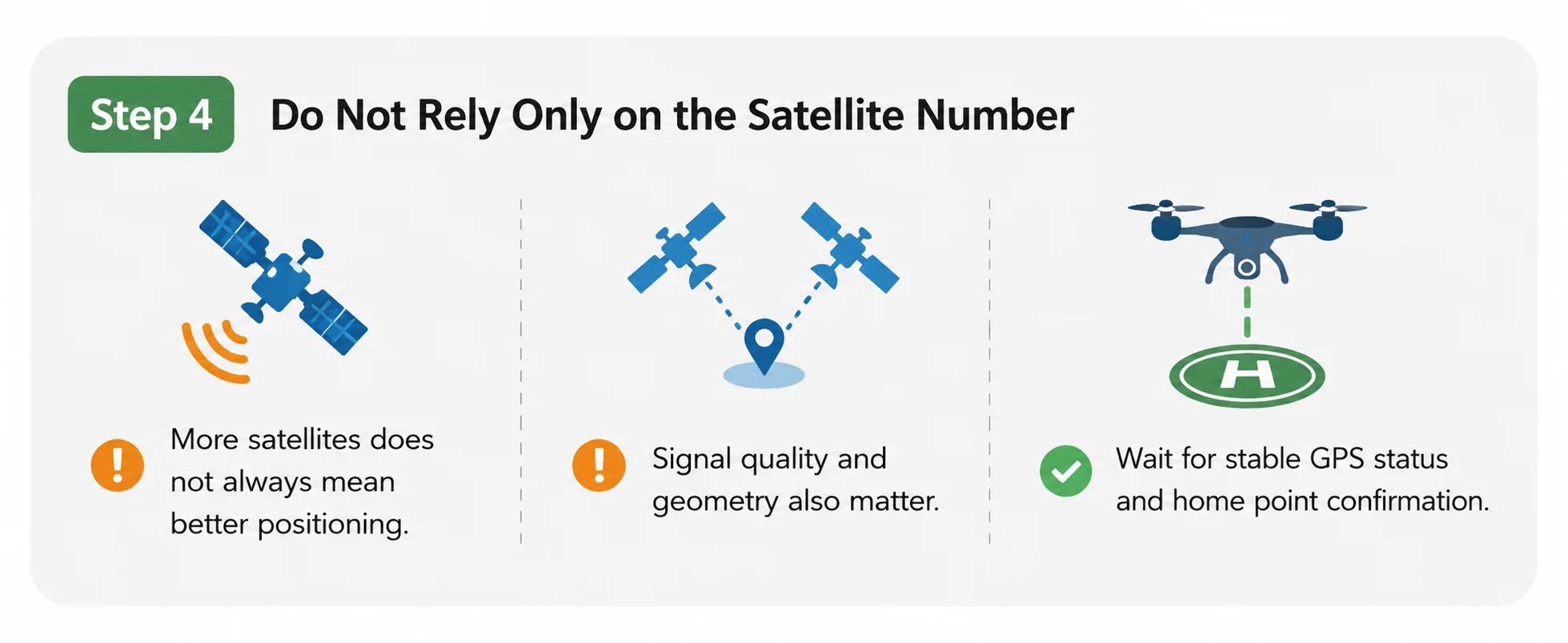
Satellite count helps, but signal quality and home point confirmation are also important before takeoff.
A higher satellite count usually helps GPS stability, but satellite count is not the only factor. Signal quality and satellite distribution also matter. In some cases, the app may show several satellites, but the GPS position may still be unstable if the signal quality is poor or the satellite geometry is not ideal.
GPS signals can also be blocked, reflected, or scattered by buildings, trees, mountains, bridges, and other large structures. This is often called signal reflection or multipath interference. When reflected signals reach the drone, GPS acquisition may take longer and positioning accuracy may become less stable.
For this reason, always wait until the drone shows a stable GPS status and confirms the home point before takeoff, instead of relying only on the satellite number.
Consider Weather and Space Weather Conditions
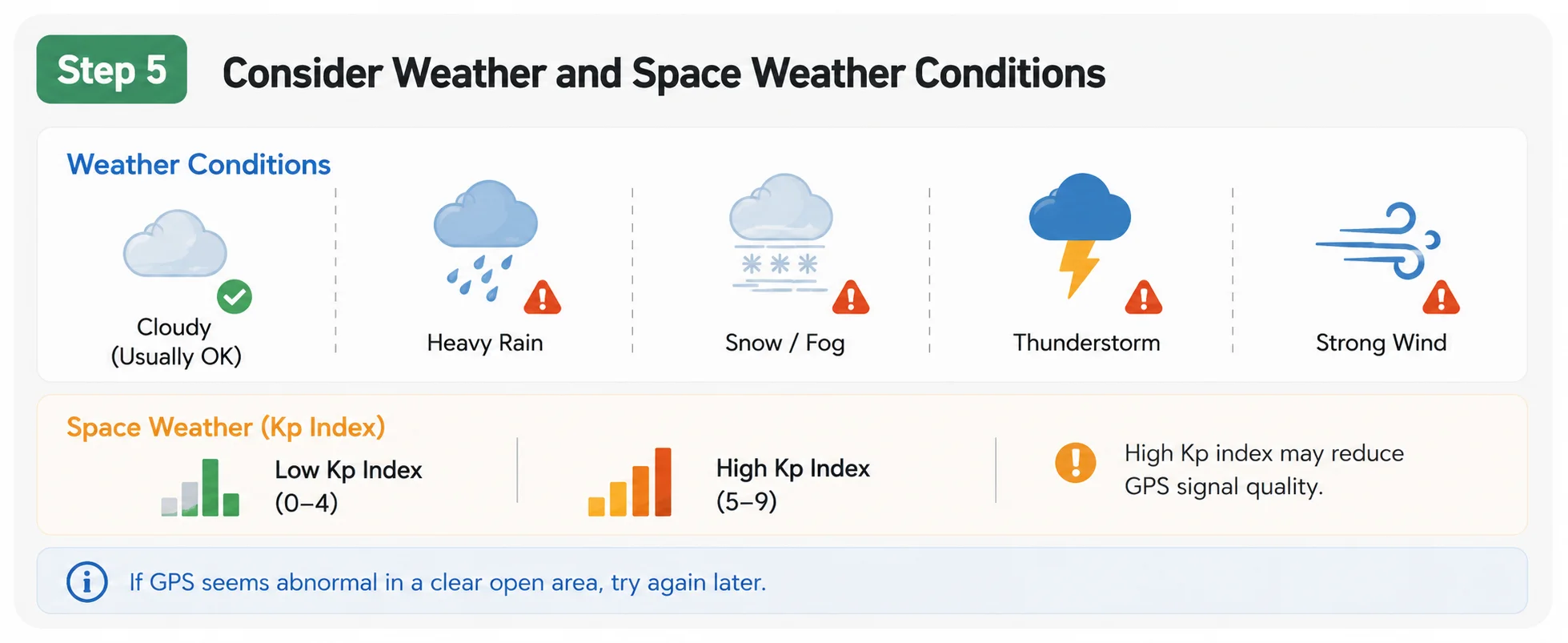
Normal cloudy weather usually has little effect, but severe weather or high Kp index may reduce GPS signal quality.
Normal cloudy weather usually has little effect on GPS satellite locking. However, severe weather, heavy rain, thunderstorms, or very poor visibility conditions may reduce signal quality and make GPS lock slower or less stable.
GPS signals can also be affected by space weather. When solar activity is strong or the Kp index is high, geomagnetic disturbances may reduce GNSS signal quality. This is not the most common reason for slow GPS lock, but it can be a factor during geomagnetic storms.
If GPS performance seems abnormal in a wide open area with no obvious interference nearby, you may try again later or check current space weather conditions.
For most users, buildings, trees, metal objects, reinforced concrete, power lines, and blocked sky view are more common causes than space weather. Kp index is worth checking mainly when GPS behaves unusually in an otherwise open and interference-free area.
Test in a Different Open Location
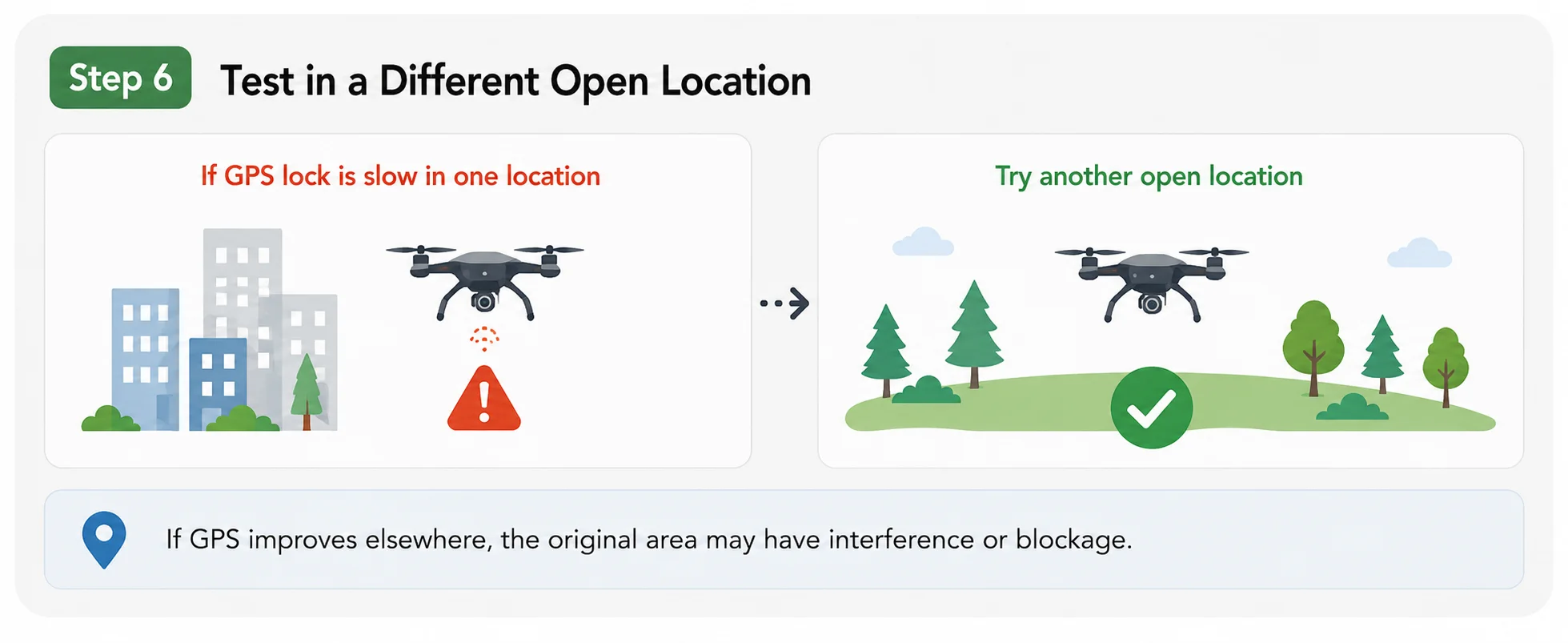
Testing in another open location helps separate environmental issues from possible drone-related issues.
If GPS lock is slow in one location, try testing the drone in another wide open outdoor area. This is one of the most useful ways to separate a location-related issue from a possible drone-related issue.
If the drone locks GPS quickly in another location, the original area may have sky blockage, signal reflection, metal interference, reinforced concrete, or other environmental factors.
If the drone still takes 10–15 minutes to lock GPS in multiple open locations, further support review is recommended.
When Should You Contact Support?
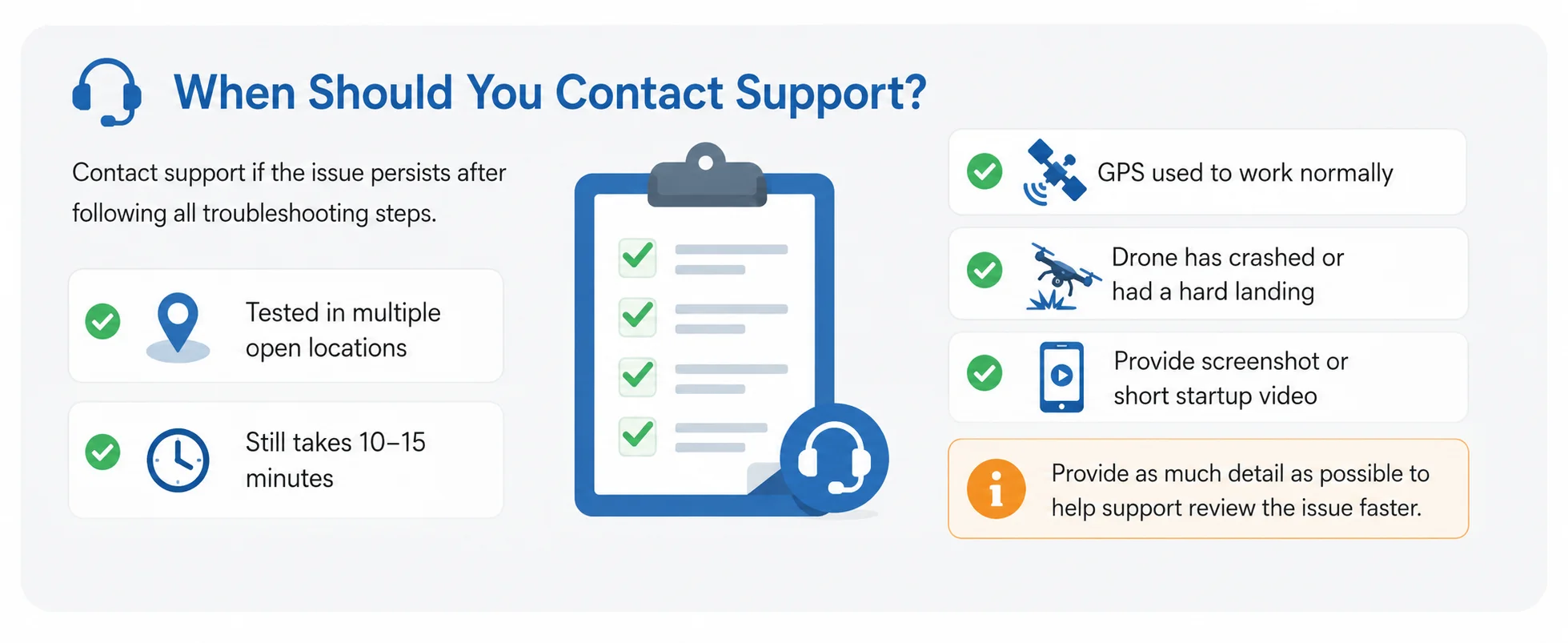
Contact support if the issue continues after testing in multiple open locations and following all troubleshooting steps.
Please contact Holy Stone support if the drone still takes an unusually long time to lock GPS satellites after testing in multiple wide open outdoor locations, away from buildings, trees, signal towers, metal objects, reinforced concrete, and other possible interference sources.
You should also contact support if GPS used to work normally but suddenly became slow, or if the drone has crashed, had a hard landing, or GPS performance changed after impact.
Information to Provide When Contacting Support
Is GPS mode activated?
Is this the first flight?
Has the drone ever crashed or had a hard landing?
Was GPS working normally before this issue appeared?
Where did you fly the drone?
Were there buildings, tall trees, signal towers, power lines, metal objects, or reinforced concrete nearby?
Have you tested the drone in a different open outdoor location?
How long does GPS lock usually take?
Does the app show any warning message?
Can you provide an app screenshot or short video showing the startup process and GPS status?
A repeated GPS lock time of 10–15 minutes is much longer than the usual expectation in open outdoor conditions. If changing location and following the checklist does not improve the issue, further support review is recommended.
GPS Lock FAQ
How long should a GPS drone take to lock satellites?
In open outdoor conditions with a clear sky view, GPS lock usually takes about 2 minutes. A new flight location or long storage period may make initialization take slightly longer.
Is it normal for GPS lock to take 15 minutes?
No. A repeated GPS lock time of 10–15 minutes is much longer than expected in a suitable open outdoor environment. Check GPS mode, initial setup, sky visibility, nearby interference, takeoff surface, and whether the drone has been tested in another location.
Can buildings or trees affect drone GPS lock?
Yes. Buildings, walls, balconies, tall trees, bridges, and narrow spaces can block or reflect GPS signals, making GPS lock slower or less stable.
Can concrete affect GPS or compass initialization?
Yes, especially reinforced concrete. Hidden steel reinforcement, manhole covers, metal platforms, and parking lots may affect compass stability and GPS-related initialization. A non-metal landing pad on open ground is usually a better choice.
Can cloudy weather affect drone GPS lock?
Normal cloudy weather usually has little effect on GPS satellite locking. However, severe weather, heavy rain, thunderstorms, or very poor visibility conditions may reduce signal quality and make GPS lock slower or less stable.
Can solar activity or a high Kp index affect GPS?
Yes, in some cases. Strong solar activity or a high Kp index can disturb GNSS signals and may make GPS lock slower or less stable. However, nearby buildings, trees, metal objects, power lines, and blocked sky view are more common causes for most users.
Why does the app show satellites but GPS still seems unstable?
Satellite count is not the only factor. Signal quality, satellite distribution, and positioning stability also matter. Always wait for stable GPS status and home point confirmation before takeoff.
Should I take off before GPS lock is complete?
No. For GPS-assisted flight and Return to Home accuracy, wait until GPS lock is stable and the home point has been recorded before takeoff.
Final Tip
Slow GPS lock is usually not caused by one single factor. It is often related to GPS mode, sky visibility, takeoff surface, nearby interference, signal quality, or location conditions.
For the best flying experience, always start your HS600D in an open outdoor area, confirm GPS mode is activated, keep the drone still during startup, wait for stable GPS lock, and make sure the home point is recorded before takeoff.
If the drone still takes 10–15 minutes to lock GPS in multiple open outdoor locations, please contact Holy Stone support for further review.


COMMENTS